The hidden tax of swivel-chair work
A pipeline that reads sources, extracts data, validates, and routes
Ops directors at businesses with high data-entry volume
What we automate inside data entry operations
Six patterns that cover 90% of swivel-chair data entry in ops-heavy businesses.
-

PDF / document → structured data
Invoices, POs, statements, applications, contracts - extracted into structured JSON with field-level confidence scores. Hybrid stack of layout-aware OCR (Document AI, Textract, Rossum) and LLM extraction (Claude, GPT) chosen per document type.
-

Email → CRM data entry
Inbound email (sales inquiries, support, vendor updates) parsed for the right fields and pushed into the CRM with deduplication. Attachments processed in the same pipeline. The CSR doesn't open the email; the system has already done the entry.
-

Form intake → multi-system entry
Web forms, intake portals, and partner submissions routed into CRM + ERP + project tool simultaneously. Conditional logic per submission type. One submission, every downstream system updated.
-

OCR + validation for paper docs
Scanned applications, handwritten intake forms, and physical mail processed through layout-aware OCR with handwriting models where needed. Validation rules surface exceptions for human review.
-

Screen scraping for legacy systems
Mainframes, AS/400, vendor portals without APIs - driven via RPA (UiPath, Playwright) with monitoring for UI changes. We use this as the fallback, not the default, and document where every screen-scrape lives.
-

Validation & error-handling flow
Field-level confidence scoring, business-rule validation (amounts, dates, customer matches), exception routing to human reviewers, and audit trail for every decision. The system asks for help when it's not sure - and only then.
How it worked for Fire Plan Strategies
 Facility Services - Fire Safety Compliance
 How Fire Plan Strategies Eliminated 230 Manual Hours a Month
Lead intake, quotes, invoicing and certificates, automated
- ~230 hrs / monthManual ops time eliminated
- 14 days → 2 daysTime-to-payment
"This is music to my ears. Our accountant is definitely going to love this because she's not going to have to do invoices anymore. The admin staff is also going to love it because they're not going to have to manually do each one of those certificates."
 Mariano VelazcoManaging Partner
 How a document flows through the pipeline
Four stages, each handed cleanly to the next.
- 1
Stage 1. Source ingestion
Email inboxes, shared folders (Egnyte, SharePoint, Drive), web forms, vendor portals, and physical mail (scanned) all funnel into the ingestion layer. Each source is tagged with provenance and document-type hints so the extraction engine picks the right model.
- 2
Stage 2. Extraction
Document AI / Textract for layout-aware OCR on structured docs (invoices, POs, statements). Claude / GPT vision for unstructured or mixed-content docs (emails, free-form intakes). Each field comes out with a confidence score.
- 3
Stage 3. Validation
Business rules applied - amount ranges, date sanity, customer/vendor matching against the master record, line-item math. Field-level confidence + rule failures determine if the record can route automatically or needs human review.
- 4
Stage 4. Routing & handoff
Validated records pushed to the right destinations - CRM, ERP, accounting, ClickUp tasks, downstream workflows. Exceptions land in a single queue for human review with the source doc, the extracted fields, and the failed rule attached.
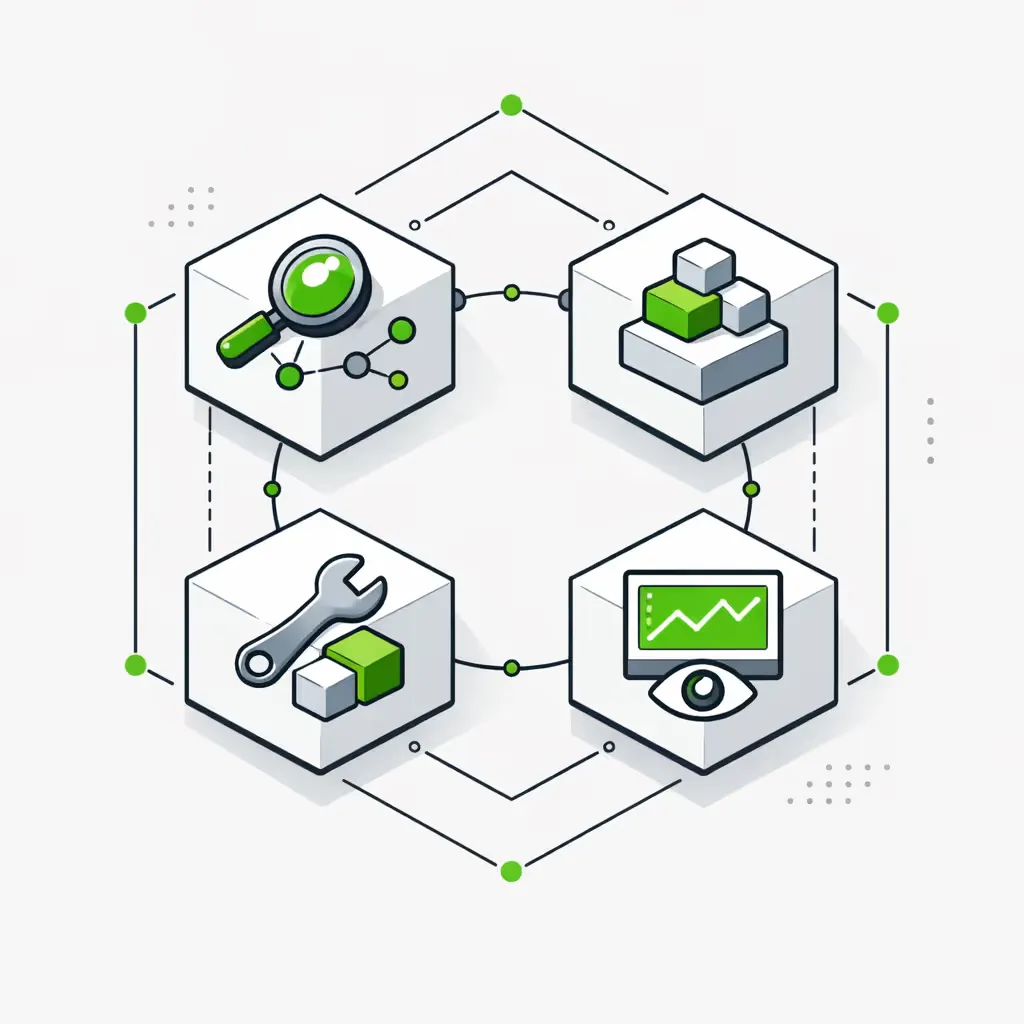
OCR+RPA vs API-first vs AI extraction
-
OCR + RPA (UIPATH, AUTOMATION ANYWHERE)
Wins on structured legacy docs (insurance ACORD forms, standardized invoices) and when the destination system has no API. Predictable, auditable, but expensive to maintain when templates change. Use it where API and AI both lose. -
API-FIRST INTEGRATION
Wins when the source data is already digital and the source system has an API. Most modern SaaS tools (Salesforce, HubSpot, QuickBooks, NetSuite, Shopify) expose what you need. Cheapest to maintain. Should be the default whenever it's available. -
AI EXTRACTION (CLAUDE, GPT VISION, DOCUMENT AI)
Wins on unstructured or semi-structured docs (free-form emails, handwritten intakes, varied vendor invoices, contracts). Adapts to template changes without re-training. We pair AI extraction with confidence scoring and rule-based validation so accuracy is measurable, not hoped for.
The Data Entry Module
Five components compose the data-entry automation layer. We pick the stack per workflow, not per vendor.
The Data Entry Pipeline
The complete data-entry automation infrastructure for an ops-heavy $1M+ business:
Ingestion Layer
Email inboxes, file drops, web forms, vendor portals, and physical mail scans converging into one pipeline with provenance tagging and document-type hints.
Extraction Engine
Layout-aware OCR (Document AI, Textract, Rossum) for structured docs; LLM vision (Claude, GPT) for unstructured. Field-level confidence scoring on every extraction so the system knows what it knows.
Validation Rules
Business-rule layer applied after extraction - amount ranges, date sanity, master-record matching, line-item math. Configurable per document type. Failed rules route to human review with the failed field highlighted.
Routing & Handoff
Validated records pushed to CRM, ERP, accounting, project tools, or downstream workflows. Destination logic configurable per record type, customer, or vendor.
Exception Workflow
Single queue for everything the system isn't sure about. Source doc, extracted fields, and failed rule attached. Human reviewer corrects; correction feeds back into the model for continuous improvement.
OCR Layer
For paper docs, scans, and templated structured forms. We integrate Document AI, Textract, Rossum, Klippa, or Hyperscience depending on volume, document type, and existing licensing. OCR runs as a service inside the pipeline, not as a separate tool.
Legacy System Integration
Where destination systems lack APIs (older ERPs, niche industry tools, customer-side portals), we use RPA as a documented fallback - Playwright for browser-based legacy UIs, UiPath where you already pay for it. Always monitored, always documented, never the primary path when an API exists.
Tools we connect for data entry automation
The extraction, source, and destination tools we've built data pipelines against.
Hybrid stackAI + OCR + API + RPA - chosen per workflow, not per vendor
Extraction (AI + OCR)
Sources
Destinations - CRM/ERP
Destinations - accounting
Destinations - ops & ticketing
RPA fallback
Engagement & pricing
Builds are priced per project: most take three to six weeks and land between $6,000 and $24,000. Full multi-source pipelines run $20K-$50K depending on document volume, source variety, and destination complexity.
Once a build is live it runs without us. If you want us to keep improving it, we agree that separately.
Automation Discovery Week
Builds
Ongoing
Frequently asked questions about data entry automation
Is this RPA or something else?
It's hybrid by design. We use API integration where source and destination support it (default), AI extraction (Claude, GPT vision, Document AI) for unstructured docs, OCR for structured paper, and RPA as a fallback for legacy systems without APIs. Pure-RPA approaches are usually overkill and expensive to maintain - see our AI automation vs RPA post for the full comparison.
Can it handle structured docs (invoices) and unstructured (emails)?
Yes - that's the point of the hybrid stack. Structured invoices and POs go through layout-aware OCR (Document AI, Textract, Rossum). Unstructured emails, free-form intakes, and contracts go through LLM extraction. Both feed the same validation and routing layer.
What about handwriting / scanned docs?
Handled via the OCR layer with handwriting-capable models (Document AI, Textract handwriting recognition, Hyperscience). Accuracy is real but lower than printed text - we pair handwriting OCR with validation rules and human-review routing for low-confidence fields.
How accurate is AI extraction vs OCR?
On structured documents with consistent layouts (templated invoices, ACORD forms), layout-aware OCR is more accurate and cheaper. On unstructured or variable-layout documents, LLM vision wins because it adapts without retraining. We measure accuracy per field and per document type so the answer is data, not vendor marketing. Confidence scoring + validation rules means low-accuracy fields route to human review automatically.
Does it work with our legacy ERP without an API?
Yes - RPA-based entry (Playwright or UiPath) handles UI-only destinations. We document every screen-scrape, monitor for UI changes, and recommend replacing scraping with API access as soon as the legacy ERP exposes one. Where you already pay for UiPath, we use it; where you don't, Playwright is usually a better fit for the budget.
What about validation and error handling?
Business-rule validation runs after extraction - amount ranges, date sanity, master-record matching, line-item math. Failed rules + low-confidence fields route to a single human-review queue with the source doc, extracted fields, and failed rule attached. Reviewer corrections feed back into the system for continuous improvement.
How long to build for a typical use case?
First document-type pipeline: 4 weeks (first build). Adding a new source or document type to an existing pipeline: 1-2 weeks. Full multi-source pipelines with 4-6 document types and 3+ destinations: 8-12 weeks. See our data entry automation guide for more detail.
Compared to Rossum / Klippa / Hyperscience?
Rossum, Klippa, and Hyperscience are excellent extraction tools - we use Rossum often for invoice-heavy environments. They're not full data-entry pipelines, though. They extract; you still need ingestion, validation, routing, and exception workflow built around them. We integrate these tools when they fit and add the surrounding pipeline. See our document automation system for the broader document workflow.
Start with an Automation Discovery Week
One week, from $2,000. You'll see where your team spends the most time on data entry - invoices, leads, intakes, legacy entry - and which workflows have the highest ROI to automate first. You keep everything it produces whether we end up working together or not.
Want context first? Read our AI automation guide, browse operations automation, or see how we cut FirePlan's manual work by 230 hours per month.