Expense Automation — Receipts to GL Without the Friday Reminder Email
Where expense ops actually break
An expense pipeline from receipt capture to GL sync
Controllers and finance leads at services businesses with 20+ employees
What we automate inside expense operations
Six workflows that close the loop from receipt to GL.
-

Receipt capture & extraction
Receipts captured from email, mobile photo, card feed, or vendor portal. Vendor, amount, date, tax, and category extracted via AI (Claude, GPT vision) or layout-aware OCR. Confidence scoring surfaces exceptions for human review.
-

Expense categorization (rules + AI)
Rule-based categorization for known vendor patterns (Uber → travel, AWS → infrastructure). AI categorization for novel expenses with confidence scoring. Learning loop so the same expense never needs to be categorized twice.
-

Approval routing
Approvals routed by amount thresholds, category, project, department, or custom policy. Slack/Teams approvals one tap. Auto-approval for under-policy expenses. Exception escalation for over-policy or unusual patterns.
-

GL coding & accounting sync
Approved expenses synced to QuickBooks, Xero, NetSuite, or Sage Intacct with the right GL account, class, and location. Coding errors flagged at sync time, not at month-end. Multi-entity support for groups.
-

Reimbursement payment
Reimbursement payments triggered automatically on a configured cadence — weekly, bi-weekly, or on approval. Bank transfers via the accounting platform or a payment-rail integration. Employees stop floating company expenses.
-

Card-feed reconciliation
Ramp, Brex, Expensify, or corporate card feeds reconciled against captured receipts. Missing-receipt reminders sent to the cardholder on a cadence. Unreconciled charges surface to the controller daily, not monthly.
WHAT CHANGES IN 90 DAYS
Typical outcomes for a 60-person services business
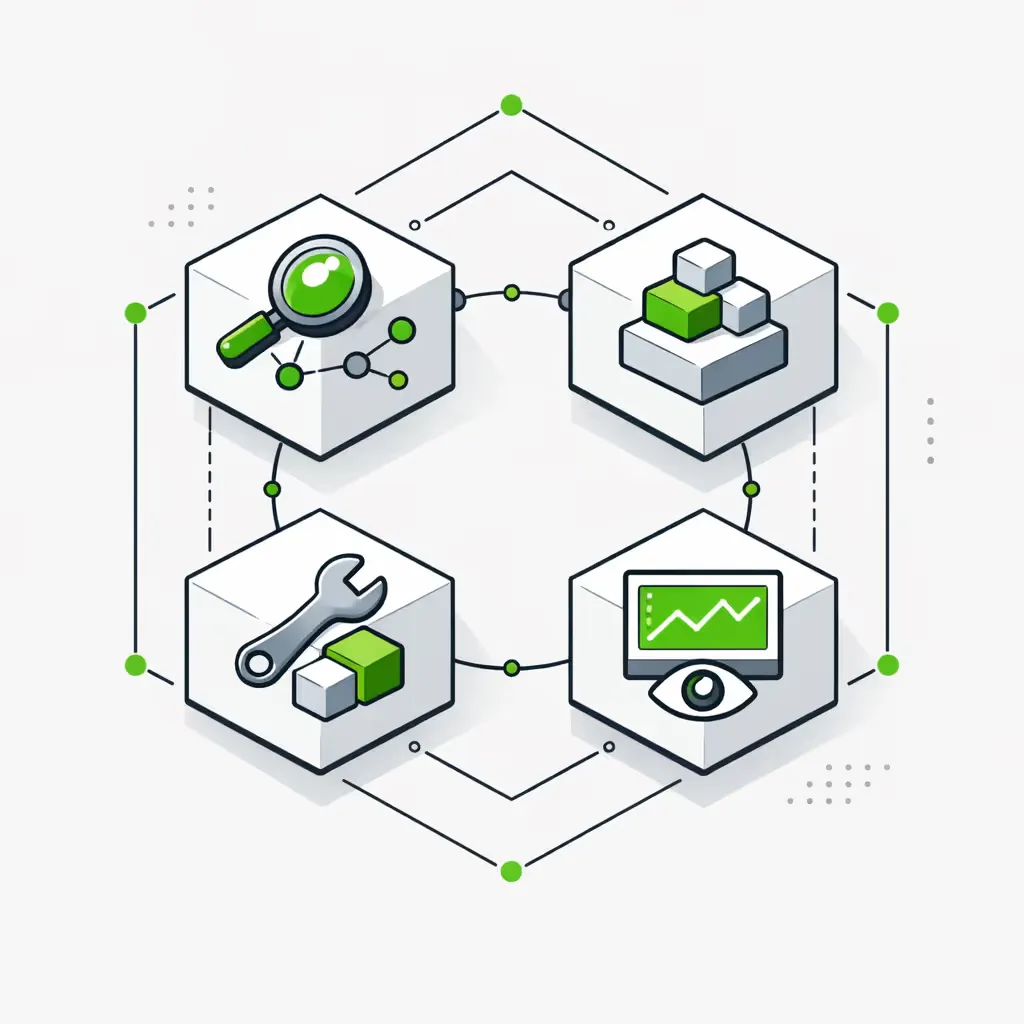
How an expense flows through the pipeline
Four stages, each handed cleanly to the next.
- 1
Stage 1. Capture
Receipt captured from email forward, mobile photo, card-feed line item, or vendor invoice. AI extraction pulls vendor, amount, date, tax, and category. Card-feed match attempted automatically for corporate card transactions.
- 2
Stage 2. Categorize
Rule-based categorization runs first (known vendor patterns, employee defaults). AI categorization fills the gaps with confidence scoring. Project and department tagging applied where rules indicate.
- 3
Stage 3. Approve
Routed by policy — amount thresholds, category, project, department. Auto-approval for under-policy expenses. Manager approval via Slack or Teams in one tap. Over-policy or unusual patterns escalated to the right reviewer.
- 4
Stage 4. Sync
Approved expense synced to the accounting platform with GL account, class, location, and project assigned. Reimbursement triggered on the configured cadence. Card-feed reconciliation closes the loop on corporate card transactions.
WHICH APPROACH FITS YOU
Off-the-shelf vs custom flows vs hybrid
-
OFF-THE-SHELF (RAMP, BREX, EXPENSIFY)
Right when corporate card spend is the dominant expense channel, approval policies are simple, and the accounting stack is small (QuickBooks, Xero). Ramp and Brex cover most of the workflow natively. Our job is to handle the edges — non-card expenses, custom approval rules, multi-entity setups. -
CUSTOM APPROVAL FLOWS
Right when approval policies are complex (project-specific approvers, dual sign-off over thresholds, department-specific overrides), or when expenses span multiple entities/currencies. We build approval routing as a workflow with your CRM/PM tool as context, regardless of the underlying expense platform. -
HYBRID — RAMP + BACKBONE
Most $5M+ services businesses end up here. Ramp or Brex handles card expenses; the Backbone handles reimbursements, vendor invoices, project allocations, and the custom approval logic that off-the-shelf can't cover. One coherent pipeline; multiple source platforms.
The Expense Module
Five components compose the expense backbone. Use them with Ramp/Brex/Expensify or as a stand-alone workflow.
The Expense Pipeline
The complete expense workflow for a 20-500 person services business:
Receipt Capture
Email forwards, mobile photos, card feeds, and vendor invoices funneled into one pipeline. AI extraction (Claude, GPT vision) or layout-aware OCR pulls structured data with field-level confidence scoring.
Categorization
Rule-based for known patterns, AI for the rest. Vendor learning loop so categorization improves over time. Project and department tagging applied automatically where rules indicate.
Approval Routing
Policy-driven routing by amount, category, project, or department. Slack/Teams one-tap approvals. Auto-approval for under-policy spend. Escalation for unusual patterns.
GL Sync
Approved expenses pushed to QuickBooks, Xero, NetSuite, or Sage Intacct with correct GL account, class, location, and project. Multi-entity support. Errors flagged at sync time, not at month-end.
Reimbursement
Payments triggered automatically on configured cadence via the accounting platform or a payment-rail integration. Employees stop floating company expenses on their personal cards.
Card Integration
Native integration with Ramp, Brex, Expensify, Divvy, and Pleo. Card-feed transactions matched to captured receipts, missing-receipt reminders sent on a cadence, and unreconciled charges surfaced daily to the controller.
Audit Trail
Every receipt, every approval, every coding decision logged with timestamp and reviewer. Audit prep — internal, external, or M&A diligence — becomes a query against the system instead of a project.
Tools we connect for expense automation
The expense platforms and accounting systems we've built integrations against.
Engagement & pricing
Expense automation engagements start at a $7K–$13K Foundation build (4 weeks, first workflow live — typically receipt capture + approval routing). Full expense pipelines run $15K–$35K depending on policy complexity, entity count, and card-platform mix.
Monthly retainer in the $1K–$2.5K range covers monitoring, policy updates, new vendor patterns, and accounting-system changes.
- Week 1 Discovery Workshop: $2K — expense walkthrough + roadmap + ROI ranking. Credits against Foundation.
- Foundation Build: $7K–$13K — first workflow live in 28 days.
- Full Pipeline Install: $15K–$35K — capture, categorize, approve, GL sync, reimburse, reconcile.
- Monthly Retainer: from $1K/mo — monitoring, policy updates, new vendor patterns.
Frequently asked questions about expense automation
Do you replace Ramp, Brex, or Expensify?
Not usually — these platforms are good at what they do. Where they fall short for $5M+ services businesses is custom approval logic, multi-entity setups, project allocation, and non-card expense workflows. We build the Backbone around them to cover the gaps. Where the platform doesn't fit at all, we build native workflows on your accounting stack. See finance automation for the broader pillar.
Can you connect Ramp and QuickBooks with custom approval rules?
Yes — this is one of the most common builds. Ramp captures card spend; our approval routing applies your policy (amount, project, department, dual sign-off); approved spend syncs to QuickBooks with the right GL account, class, and location. We've done the same with Brex + Xero and Expensify + NetSuite.
What about reimbursement for non-card expenses?
Handled as a separate channel in the same pipeline. Employees submit via mobile app or email forward; the same capture/categorize/approve workflow runs; reimbursement payments trigger on a configured cadence (weekly, bi-weekly, on approval). Most clients move from monthly to weekly reimbursement in the first month, which kills the 'employee floating expenses' problem.
How does AI categorization work — does it learn?
Rule-based categorization runs first (Uber → travel, AWS → infrastructure, known vendor patterns). AI fills the gaps with field-level confidence scoring. Corrections from the controller feed back into the vendor learning loop, so the same expense type doesn't need to be corrected twice. Accuracy on common patterns typically lands at 90-95% within the first quarter.
What's the audit trail?
Every receipt, every approval, every coding decision logged with timestamp and reviewer attribution. Audit prep — internal, SOX, external, or M&A diligence — becomes a query against the system rather than a project. We document this for your auditors as part of the deliverable.
Can you handle multi-entity / multi-currency?
Yes. Entity assignment is rule-based (employee, project, department) and applied at sync time. Multi-currency support depends on the accounting platform — NetSuite and Sage Intacct handle this natively; QuickBooks and Xero have limitations we work around. We're honest about which platforms support which scenarios.
How does it differ from off-the-shelf expense tools?
Off-the-shelf tools (Ramp, Brex, Expensify) handle the 80% case — corporate card spend, simple approvals, standard GL coding. They struggle with custom approval logic, project allocation, complex multi-entity setups, and the integration to accounting systems beyond QuickBooks and Xero. The Backbone covers those gaps without replacing the platform. See our data entry automation system for the broader extraction patterns.
Typical engagement?
Foundation build (first workflow live) runs $7K–$13K over 4 weeks. Full expense pipelines for a 50–200 person business run $15K–$35K over 2-3 months with a $1K–$2K monthly retainer after. ROI usually lands in 4-6 months on controller-time recovery and close-acceleration alone. Use the ROI calculator to model your case, or see our invoice automation system for the AP analog.
START HERE
Get your Efficiency Scorecard
10 minutes. You'll see where expense operations leak time and money — receipt chasing, approval lag, coding errors, reconciliation drag — and which workflows have the highest ROI to automate first. You get the scorecard whether we end up working together or not.
For context, read our AI automation guide, browse our finance industry page, or see how to automate financial services.
