Operations Dashboards & Automated Reports — No More Friday Excel Days
Why Friday Excel days happen
Live aggregation, scheduled delivery
What we build
Six common dashboards. Most clients install three or four in the first 28 days, then expand from there.
-

Utilization & capacity
Live view of billable utilization by person, team, and service line. Forecast capacity 4–8 weeks out. Surface overcommitted resources before the project lead has to escalate. Tied to your time tracking and project tools.
-

Margin & project health
Per-project gross margin, hours-burned-vs-budgeted, scope creep flags, and at-risk indicators. Pulls from CRM (deal value), time tracking (cost), and project tool (status). PMs see margin without doing accounting.
-

AR aging & cash
Live AR aging by client, days-sales-outstanding trend, payment forecast, and chase-priority queue. Pulled from QuickBooks, Xero, or NetSuite. Cash conversation moves from 'let me run a report' to 'here's the screen.'
-

Sales pipeline + forecast
Pipeline by stage, weighted forecast vs. quota, deal-velocity trends, and stuck-deal alerts. Stage hygiene flags surface deals that haven't moved in too long. Forecast accuracy goes up because reps stop being asked for the same number three times a week.
-
SLA & ticket health
First-response time, resolution time, backlog age, and SLA breach alerts. Pulls from Zendesk, Intercom, Front, or your custom helpdesk. Support leads see hotspots before they become escalations.
-
Weekly auto-emailed report packs
Annotated PDF or HTML report packs that auto-generate Thursday afternoon and deliver to leadership Friday morning. Last week's numbers, this week's changes, anomalies flagged inline. Nobody builds slides in PowerPoint.
What clients see
Outcomes after the reporting layer goes live
How the data layer actually works
Four phases. Each phase delivers a usable dashboard before the next one begins.
- 1
Phase 1. Source connection
We connect each operational tool — HubSpot, Salesforce, QuickBooks, Xero, ClickUp, Asana, Hubstaff, Stripe, your custom database — using native APIs where they exist. Connections are monitored, versioned, and error-recovering.
- 2
Phase 2. Transformation layer
We codify your metric definitions in one place — what counts as billable, how margin gets calculated, when a deal is 'won,' what 'utilization' means. The definitions live in code or in your data warehouse, not in tribal knowledge. Numbers agree across tools because everyone reads from the same source.
- 3
Phase 3. Dashboard build
We build the dashboards in Looker, Metabase, Sigma, or custom-coded — whichever fits your team's skills, budget, and editing needs. Each dashboard is documented, tested with real users, and tuned for the question it's supposed to answer.
- 4
Phase 4. Delivery & alerts
Live dashboards live where your team works. Scheduled report packs deliver to Slack, email, or a client portal on a cadence. Anomaly detection alerts fire when a number goes off-trend — utilization drops, AR aging spikes, a deal sits too long — so leadership reads exceptions, not noise.
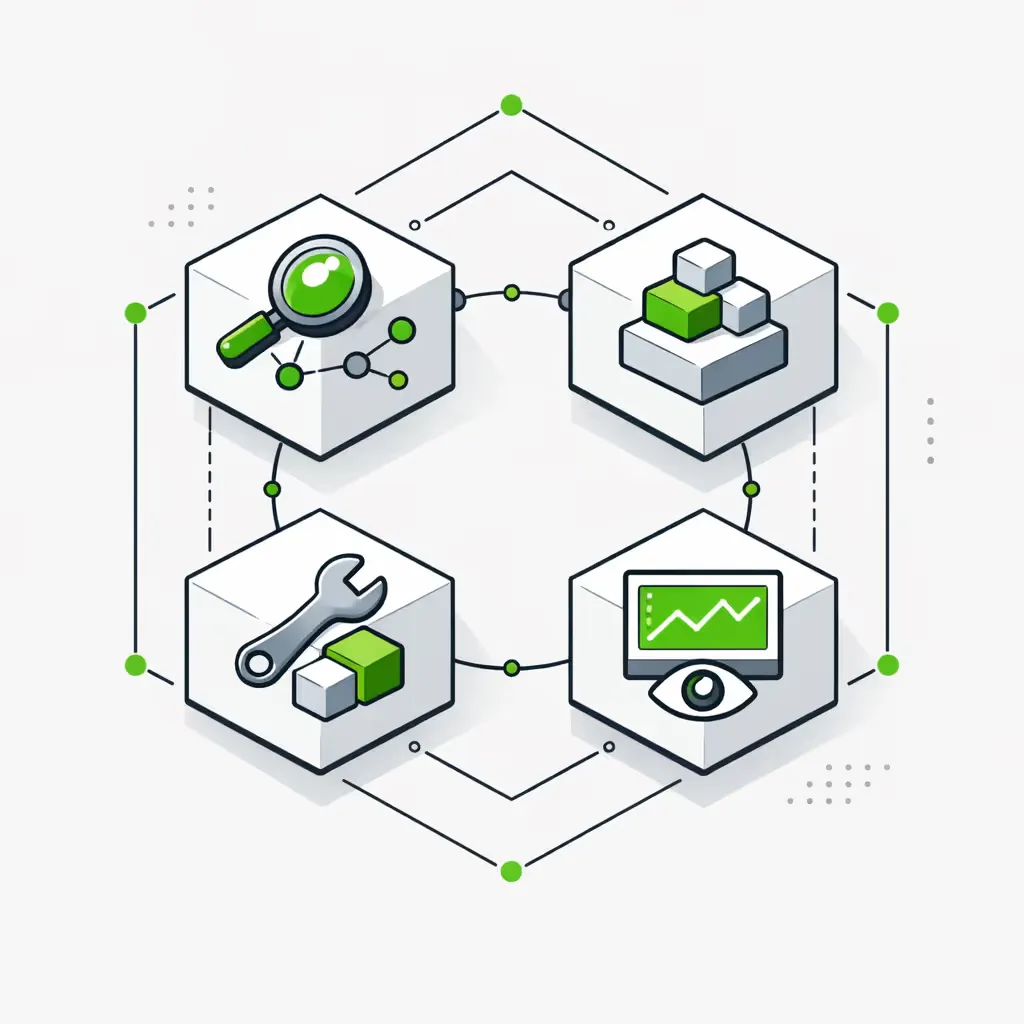
Where we use Looker, Metabase, Sigma, or custom
-
OFF-THE-SHELF BI (LOOKER, METABASE, SIGMA)
Best when you have a data team that will own dashboards long-term, want enterprise governance, and have a budget for licensing. Looker shines on Google-stack shops; Metabase wins on self-host and lean teams; Sigma fits finance-heavy Snowflake shops. We build inside whichever tool you pick. -
CUSTOM DASHBOARDS
Best when off-the-shelf BI is overkill or under-fit — for example, a client-facing dashboard that needs specific branding, a portal that combines BI with action buttons, or a real-time operations screen on a TV in the bullpen. We build with React, Next.js, or your existing app stack. -
AUTO-EMAILED REPORT PACKS
Best when the audience doesn't want to log into a tool. Founders, board members, clients — people who'll read a Thursday PDF in their inbox but never open Metabase. Annotated, anomaly-flagged, scheduled on the cadence each audience wants.
The Backbone
The Reporting & Dashboards Backbone
One deep module that runs the data layer, plus two lighter modules for specialized needs.
Reporting & Dashboards Module
The complete data and reporting layer for operations leadership:
Source Integration
Native API connections to every operational tool — CRM, accounting, project, time tracking, helpdesk, payments. Monitored, versioned, and error-recovering.
Transformation
Metric definitions codified in one place. Utilization, margin, deal-won, AR aging — all defined once and read from the same source by every dashboard and report.
Dashboard Build
Production dashboards in Looker, Metabase, Sigma, or custom-coded. Documented, tested with real users, and tuned to the question they answer.
Report Pack Automation
Weekly or monthly PDF/HTML report packs that auto-generate and deliver to Slack, email, or portal. Annotated with anomaly flags inline.
Anomaly Alerts
Slack and email alerts when a number goes off-trend — utilization drops, AR spikes, deals stall. Leadership reads exceptions, not noise.
Custom Metrics Layer
When the off-the-shelf metric isn't quite right — effective rate by service line, contribution margin including indirect cost, retention-adjusted ARR — we model and instrument the custom version, then surface it across every dashboard that needs it.
Margin & Forecast Models
Beyond reporting what happened, we model what's likely to happen. Pipeline-weighted revenue forecast, utilization forecast, AR collection forecast, project margin at-completion projections. Built with your finance lead, not in a vacuum.
Stack
Tools we connect to
We've worked with 137 different tools in production environments. If yours has an API, we can connect it.
Engagement & pricing
We start with a paid workshop, then install the Foundation reporting layer in 28 days, then keep it running on a monthly retainer. Each phase delivers a usable dashboard before you commit to the next.
If we can't show ROI inside six months, we don't take the project.
- Discovery workshop: $2K — Map the metrics your leadership team actually uses, audit the data sources, prioritize the 28-day build.
- Foundation reporting build: $7K–$13K — Source connections, transformation layer, first 2–3 dashboards, scheduled report pack.
- Ongoing Expansion retainer: From $1K/month for monitoring + small fixes; $3.5K/month for active dashboard expansion; $6.5K/month for embedded analytics engineering.
Frequently Asked Questions
If you have a question, chances are you'll find the answer below.
Looker / Metabase / Sigma — which do you recommend?
Depends on the team. Metabase is the lowest-friction self-host option and fits lean ops teams. Looker fits Google-stack shops that already use BigQuery and have someone willing to learn LookML. Sigma fits finance-heavy Snowflake shops that want Excel-feel inside the warehouse. If you're not sure, we recommend Metabase for the first 90 days and revisit. See our operations automation pillar for the broader context.
Do we need a data warehouse, or can it pull live?
For most operational dashboards under 100K records, we can pull live from source APIs and cache aggressively — no warehouse required. Once you cross into millions of rows, multi-source joins, or historical analysis going back years, a warehouse (BigQuery, Postgres, or Snowflake) pays back fast. We tell you on the workshop call which side of the line you're on.
How real-time is 'real-time'?
For most operational metrics, refreshes every 5–15 minutes match the decision cadence — nobody changes a hiring decision based on the last 10 minutes of utilization data. For SLA dashboards and pipeline alerts where minutes matter, we push events through webhooks instead of polling, so updates appear within seconds. We tune cadence per dashboard.
Can it forecast, or just report what happened?
Both. Reporting is the foundation; forecasting layers on top once the data is clean. We build pipeline-weighted forecasts, utilization projections, AR collection forecasts, and project margin at-completion estimates. The forecast quality is bounded by your CRM stage hygiene and time-tracking discipline — we'll be honest about what the data can support.
Will it conflict with our existing dashboards?
No — we read from the same sources your existing dashboards read from. Usually we end up replacing the stale dashboards within 90 days because the new ones are trusted and the old ones aren't, but that's a team decision, not a forced migration.
How long does it take to build the first dashboard?
Two weeks from kickoff to a usable v1 in most cases. The first dashboard takes the longest because we're standing up the source connections and the transformation layer. After that, additional dashboards take days, not weeks. See our automated financial reports post for a worked example.
Can the team edit dashboards without breaking them?
Yes — and we design for this. Metric definitions live in a transformation layer the analysts can edit; dashboard visuals live in the BI tool the team can edit. We document what's safe to change vs. what needs an engineering review. Nobody should be afraid to touch their own dashboards.
What's the ongoing cost beyond build?
Retainers run from $1K/month (monitoring + small fixes) to $6.5K/month (embedded analytics engineering). Most clients sit at $1K–$3.5K once the Foundation is stable. The retainer pays for itself the first time you'd otherwise hire a contractor to patch a broken pipeline. See our ROI calculator and workflow cost calculator for the math.
Get started
Start with your Efficiency Scorecard
The scorecard maps which operational metrics your leadership team actually decides on, where the data is trapped today, and which dashboards would unlock the most decision speed. It takes 10 minutes — and you get a prioritized plan whether we work together or not.
