AI Chatbot for Business — Built for Your Stack, Your Data, Your Workflow

Most AI chatbot copy conflates two very different products: an internal Q&A assistant for your team, and a customer-facing agent for support and sales. We build both — grounded in your real documents, wired into your existing stack, monitored in production, and owned by you when we're done.

Where chatbot projects stall

Two very different things people mean by "AI chatbot"

Different data: internal SOPs vs public-facing knowledge base
Different metrics: ramp time and Slack interruptions vs CSAT and AHT
Different risk: an internal wrong answer vs a customer-facing one
Different integrations: Slack and Teams vs Zendesk, Intercom, and your CRM
Walk into ten conversations about AI chatbots and you'll hear five companies talking about an internal assistant — answering employee questions from SOPs — and five talking about a customer-facing bot in their helpdesk. They share an LLM, but almost nothing else. The data sources differ, the success metrics differ, the risk profile differs, and the integration surface differs.
How we scope

Pick the right pattern before you pick the model

Before any code is written, we name the pattern: internal-use, customer-facing, or both. Each pattern has a different reference architecture, a different rollout sequence, and a different success metric. The discovery workshop maps your pains to the pattern that solves them — not the other way around.
Scope the action surface and the data sources up front
Sequence internal-use first when retrieval data is messy
Sequence customer-facing first when support is the bottleneck
Run a 2-week eval phase before any production traffic

Pick your pattern

Internal-use vs customer-facing — which do you need?

Internal-use AI assistant

Answers employee questions from your SOPs, contracts, project archives, and policy library. Lives in Slack or Teams. Cuts new-hire ramp time, reduces "how do we do X" interruptions, and unblocks senior people. This is what we install as our Internal AI Knowledge Base — grounded in your docs, permissioned per user, cited on every answer.

Customer-facing AI agent

Handles inbound customer queries in your existing helpdesk — Intercom, Zendesk, Front, or a web widget. Resolves the easy questions, drafts replies for human review on the harder ones, escalates anything outside its confidence threshold. Pairs with our customer support automation work. The metric to watch: tickets resolved without a human, not raw chat volume.

What we actually build

Six chatbot patterns that account for the bulk of real demand from $1M+ service businesses.

Where most AI chatbot pilots fail

  • Hallucinations in front of customers

    Pilot bots ungrounded in real data confidently invent policies, prices, and procedures. The first customer-facing wrong answer is usually the last time leadership trusts the system. Solution: retrieval-grounded answers with citations, confidence thresholds, and structured-output validation — not better prompts.

  • No integration with the existing stack

    A chatbot that can't read your CRM, can't update a ticket, can't look up an order is a parlor trick. The integrations are 80% of the engineering work. If a vendor pitch glosses over the connector layer, the demo is what you're buying — not the production system.

  • No memory across sessions

    A customer asks a question on Monday, follows up Wednesday, and the bot has no memory of the Monday conversation. Real chatbots need a memory layer — Postgres, Redis, or a managed memory store — that survives sessions, integrates with your CRM, and respects retention rules.

  • No permission model

    The internal bot helpfully tells a junior employee what the CEO's comp package is, because that document was in the corpus. Internal chatbots need permissioned retrieval — a user only sees answers grounded in documents they're allowed to read. Skipping this is a security incident waiting to happen.

  • No monitoring or eval loop

    The bot launches, looks fine for a week, and three months later nobody knows whether it's helping or actively hurting. Real installs include daily eval runs against a frozen test set, logging on every production action, and alerting when failure rate or latency drifts. You see problems before customers report them.

How we install it (the production version)

Five phases from kickoff to a chatbot you can actually put in front of revenue.

  1. 1

    Step 1. Scope the use case

    A 1–2 week discovery workshop names the pattern (internal-use, customer-facing, or both), the action surface, the data sources, and the success metric. We do not start building until those four are written down. Most failed pilots skipped this step.

  2. 2

    Step 2. Ground in your data

    We connect the chatbot to the documents and systems it needs — Google Drive, Notion, SharePoint, Confluence, your CRM, your helpdesk. Documents are chunked, embedded, and stored in a vector database. Retrieval is permissioned per user. Every answer cites its source.

  3. 3

    Step 3. Wire the tools

    For chatbots that take actions — update tickets, create CRM records, book meetings — we build the tool layer. Each action is a deterministic function the model can call. Input validation, audit logging, and rate limiting on every tool. The action surface is the spec.

  4. 4

    Step 4. Guardrails and escalation

    Hard rules in code (not in prompts): confidence thresholds for hand-off, banned topics, mandatory human approval for anything that touches money or compliance, output validation. Escalation paths are explicit — when the bot doesn't know, it says so and routes to a human with full context.

  5. 5

    Step 5. Monitoring and iteration

    Daily eval runs against a frozen test set so we catch drift within 24 hours. Logging on every production interaction with model, retrieval results, and output. Monthly tuning of prompts, retrieval, and tool definitions based on real usage data. The chatbot improves every month — it doesn't decay.

Get Your Efficiency Scorecard
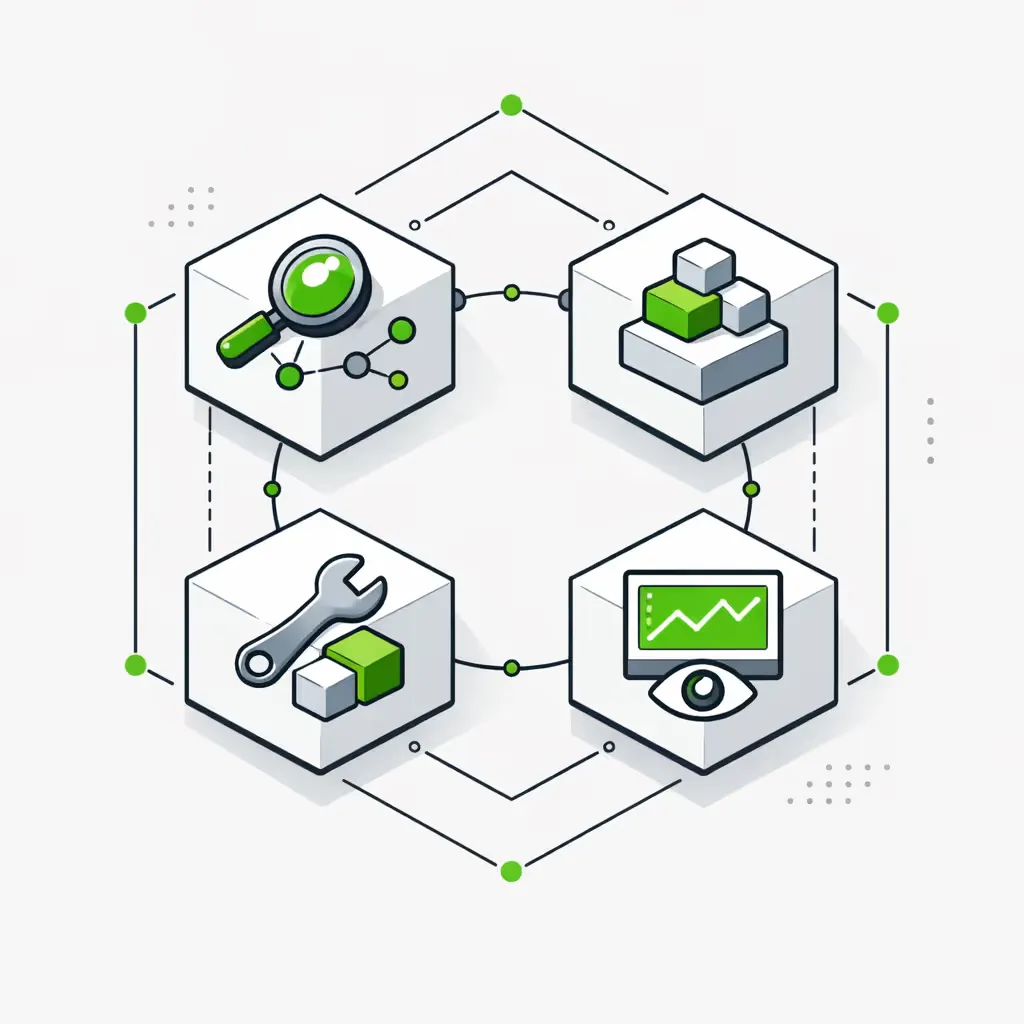
AI automation agency 4-step implementation process: Map, Design, Build, Monitor

What changes in 60–90 days

Where production AI chatbots move the numbers

before chatbot install
after 60–90 days live
First-response time (customer-facing)
20–60 min
Under 60 sec
-97%
"How do we do X" Slack interruptions (internal)
Constant
Rare
-60–80%
Tickets resolved without a human
0–10%
30–55%
+40pp
Lead-qualification SLA
4–24 hours
Under 10 minutes
-95%

Why production-grade matters

What separates a production chatbot from a demo

Grounded retrieval

Answers come from your sourced documents with citations — not from the model's training data. Retrieval is permissioned per user. When a document changes, the bot's answers change with it.

Native integrations

Real API connections to your CRM, helpdesk, calendar, and project tools — not iframes, not browser-extension hacks. The chatbot has the same context a human agent would.

Memory and context

Persistent memory across sessions. The Wednesday conversation knows what happened on Monday. Memory respects retention rules and permission models.

Monitoring and escalation

Daily evals against a frozen test set, logging on every production action, automatic escalation when confidence drops below threshold. Failures are loud, not silent.

Your stack, not ours

Whatever helpdesk, CRM, and DMS you already run — we integrate. No platform migration, no rip-and-replace. The chatbot is a layer on top of your existing stack, not a replacement for it.

The stack we build chatbots on

Component choice depends on your stack, scale, and data-residency requirements. These are the tools we reach for first.

LLMs
Claude (Anthropic)GPT-4 / GPT-5 (OpenAI)GeminiOpen-source (Llama, Mistral)Self-hosted via Ollama / vLLM
VECTOR / RETRIEVAL
PineconeWeaviatepgvectorQdrantPostgres FTS
ORCHESTRATION
n8nLangChainLangGraphCustom Node.js / Python
SURFACES — INTERNAL
SlackMicrosoft TeamsInternal web appNotion
SURFACES — CUSTOMER
IntercomZendeskFrontWeb widgetWhatsApp Business
CRM / DATA
HubSpotSalesforcePipedriveZohoCustom databases
MONITORING & EVAL
LangfuseHeliconeCustom dashboardsSentry
DOC SOURCES
Google DriveSharePointNotionConfluenceEgnyteDropbox

Engagement & pricing

Three engagement patterns depending on whether you need internal-use, customer-facing, or both. Every engagement starts with a $2K discovery workshop.

Internal-Use Build

$7K–$13K
Internal Slack or Teams Q&A bot grounded in your SOPs, contracts, and project archives. Permissioned retrieval, source citations, monitoring built in.
Start with the Scorecard
Lowest-risk first install. Internal-use bots prove the data and retrieval layer before any customer-facing traffic.
Includes:
  • Connection to 3–5 document sources (Drive, Notion, SharePoint, Confluence, Egnyte)
  • Vector retrieval with permissioned per-user filtering
  • Slack or Teams native integration
  • Source citation on every answer
  • Daily eval suite + monitoring dashboard
  • 28-day Foundation build, then optional retainer

Customer-Facing Build

$10K–$18K
Customer-facing chatbot in your existing helpdesk or as a web widget. Handles tier-1 support, drafts replies for review, escalates with full context.
Get Your Efficiency Scorecard
We do not ship customer-facing bots without a pilot phase. The eval data from internal use is what tunes the production prompts.
Includes:
  • Helpdesk integration (Intercom, Zendesk, Front, or custom)
  • CRM read/write integration so the bot knows the customer
  • Confidence thresholds and explicit human-escalation paths
  • Structured-output validation to prevent malformed replies
  • Daily evals + drift alerts + monthly tuning
  • 6–8 week build, mandatory 2-week internal pilot before customer traffic

Combined Backbone

from $3.5K/mo
Both patterns installed, then a monthly retainer that expands tools, tunes retrieval, ships new use cases, and keeps the system production-grade as your data and tools change.
Talk to us
Includes:
  • Internal + customer-facing chatbots sharing retrieval and monitoring
  • Monthly Backbone Expansion: new tools, new agents, new data sources
  • Continuous prompt and retrieval tuning based on real usage
  • SLA-based incident response
  • Quarterly architecture review and model upgrades
  • Full ownership: code, prompts, infrastructure stay yours

What a real install looks like

Every chatbot engagement runs on the same rhythm: scope first, ground second, ship third, tune fourth. The hard work happens in weeks 1–4. Production lives for years.

By month 3 the chatbot is owned by your team. We document the architecture, the prompts, the eval suite, and the infrastructure config. If you choose not to renew the retainer, you keep running everything we built — no vendor lock-in by design.

Typical 90-day rollout

Week 1
Discovery workshop — pattern, action surface, data sources, success metric defined.
Weeks 2–4
Foundation build — retrieval layer, tool integrations, guardrails, internal eval phase.
Weeks 5–6
Internal pilot live — staff using the bot in production, eval data collected, prompts tuned.
Weeks 7–8
Customer-facing launch (if applicable) — gradual traffic ramp with monitoring and drift alerts.
Month 3+
Backbone Expansion retainer — new tools, new use cases, new data sources monthly.

Client reviews

Composite quotes from internal-use and customer-facing chatbot installs. Specific client testimonials will replace these as production data clears for publication.

The internal bot replaced about half the "how do we do X" Slack questions in our first month. The senior engineers stopped being the bottleneck. New hires ramp in weeks instead of months.
Operations director Engineering services firm, ~80 employees
Our tier-1 ticket volume dropped by half within two months of the customer-facing agent going live. What we kept was the hard tickets — the ones that needed a human anyway. The CSAT actually went up because response times collapsed.
Head of customer support B2B SaaS, ~120 employees
What I appreciated most was that they refused to ship the customer-facing version until the internal eval data was clean. Most agencies would have pushed for the launch date. They held the line — and the rollout was the smoothest software launch I've been part of.
COO Professional services, ~50 employees

AI chatbot FAQs

The questions we get from ops leaders and CX directors evaluating a custom chatbot build.

Do I need an internal-use or a customer-facing chatbot — or both?

Start with whichever solves the louder pain. Internal-use chatbots win when senior staff spend hours a day answering "how do we do X" questions and new hires take months to ramp. Customer-facing chatbots win when support volume or first-response time is the bottleneck. Many clients install both — they share the same retrieval and monitoring infrastructure, so the second one costs less to deploy than the first.

What's the difference between a chatbot and an AI agent?

A chatbot answers questions. An agent takes actions. A chatbot grounded in your SOPs can tell a CSM what the renewal terms are; an agent can draft the renewal email, update the deal stage, and create a follow-up task. We build both, and we sequence them — chatbots ship faster and prove the data layer; agents come next once the retrieval is trustworthy. See our pages on internal AI knowledge base and custom AI agents for the deeper split.

Will it leak our data to OpenAI or Anthropic?

Both providers offer enterprise terms that explicitly exclude API traffic from training. We default to those, and for sensitive workloads we route through your own provider account or self-host an open-source model on infrastructure you control. The retrieval layer that grounds the model in your data stays in your stack — Postgres, Pinecone, or pgvector running on your cloud. No customer data sits in a third-party training set.

How do we stop hallucinations in front of customers?

Four layers. (1) Retrieval-grounded answers — the model only answers from your sourced documents, with citations. (2) Confidence thresholds — below a set score, the bot hands off to a human instead of guessing. (3) Structured output validation — malformed responses are rejected before they reach the customer. (4) Daily eval runs against a frozen test set so drift is caught within 24 hours. Hallucinations are a design failure, not a model failure.

Can it integrate with Intercom, Zendesk, or our existing helpdesk?

Yes. The chatbot deploys as a layer on top of your existing helpdesk — answering tickets in Zendesk, drafting replies in Intercom, triaging in Front. We integrate via native APIs, not iframes, so the chatbot has full context of the customer history and can update ticket properties just like an agent.

What's a realistic cost for a custom AI chatbot vs an off-the-shelf tool?

Off-the-shelf tools like Intercom Fin or Zendesk AI start around $0.50–$1 per resolution and rise with volume. They work fine for narrow, knowledge-base-driven support. A custom build is a one-time engagement of $7K–$13K plus a $1K–$6.5K/month retainer for tuning and expansion. The cross-over is volume- and complexity-dependent — we run the math in the discovery workshop. Custom wins when you need integrations the platform doesn't offer or compliance requirements the platform can't meet.

How fast can we go live?

A scoped internal-use bot answering questions from a defined knowledge corpus can be live in 4 weeks. A customer-facing bot with helpdesk integration and escalation rules takes 6–8 weeks. We do not ship customer-facing bots without an internal pilot phase — the eval data from internal use is what tunes the production prompts.

Who owns the chatbot when we stop working with you?

You do. The code, the prompts, the eval suite, the infrastructure config — all yours, in your repo and your cloud accounts. Custom builds avoid vendor lock-in by design. We document the architecture, train your team to maintain it, and if you choose not to renew the retainer, you keep running everything we built.

Related reading

Start here

See where an AI chatbot would pay back first

The Efficiency Scorecard maps where your team and customers are leaking time on questions, support, and coordination. It tells you whether an internal-use bot, a customer-facing agent, or both would pay back first — with realistic ranges, not vendor pitches. Ten minutes to fill out, real recommendations either way.

Get Your Efficiency Scorecard