
The AI agent development company that builds agents into your operations
For businesses past $1M in revenue. We spend a week with the people doing the work, pick the jobs an agent should take, then build each one inside your stack, priced per project and owned by you.
2V Automation is an AI agent development company for established businesses. We build custom AI agents that do one job well inside your operations: they read the input, look things up in your systems, decide the next step and act, with a human approving anything that matters. Each agent comes after a one-week look at how the work is really done, and only where an agent beats a simpler workflow.
- Who it is for
- Owners and operators of businesses past $1M in revenue, usually 5 to 50 people
- Where it starts
- Automation Discovery Week: $2,000 for 1 to 20 people, $4,000 for 21 to 50
- What we build
- Support triage, lead qualification, document reading, internal knowledge assistants, back-office agents
- Price per agent
- $6,000 to $24,000, three to six weeks, fixed before the build starts
- Who owns it
- You. It runs in your accounts, on your model keys, and keeps working without us
A demo agent takes an afternoon. A reliable one is the job.
It worked on the demo inputs
Real emails, forms and tickets arrive in shapes nobody tested, and the agent guesses.
It cannot reach your systems
It answers questions in a chat window but cannot read the CRM or update the ticket, so nothing moves.
Nobody can tell when it is wrong
No test set, no logs, no alerts. You find out from a customer.
It solved a problem nobody had
It was picked because agents are interesting, while the hours went somewhere else.
The last one is the most common, and the cheapest to avoid. That is why every engagement starts with a week of looking before anyone writes a prompt.
What an AI agent is, in business terms
An AI agent is software that uses a language model to work through a task the way a junior employee would: read what came in, look up what it needs, decide the next step, do it, and hand off when it is out of its depth. The difference from a chatbot is that it acts. The difference from a normal automation is that it copes when the input changes shape.
Most of what gets called “AI automation” is not an agent. It is a fixed workflow with one AI step in the middle that classifies an email or drafts a reply. That is often the better buy. Here is how the three compare, and where a chatbot fits.
| Chatbot | Fixed workflow | Workflow with an AI step | AI agent | |
|---|---|---|---|---|
| What it does | Answers messages | Runs the same steps every time: when X, do Y | Runs fixed steps; a model classifies, extracts or drafts in one of them | Decides which tool to call next, over several steps, until the task is done |
| Acts in your systems | Rarely | Yes, exactly as designed | Yes, exactly as designed | Yes, within the tools it was given |
| Handles messy input | Reads it, does not act on it | No, breaks when the shape changes | Partly: the AI step normalizes it | Yes, that is the point |
| Best for | FAQ answers | High-volume, same-shape work: invoices, syncs, alerts | Sorting and drafting at volume | Judgment-heavy, multi-step work across tools: triage, research, intake |
| Cost to run | Low | Lowest | Low | Highest per task: several model calls each time |
For the wider picture, with examples by department and what agents cannot do yet, read our guide to AI agents for business. This page is about getting one built.
Custom AI agents we build
Each one does a single job, in the systems you already use. The discovery week decides which of these, if any, is worth building first.
Support triage agent
Reads each new ticket in Zendesk, Intercom or Front, classifies it by intent and urgency, pulls the relevant SOP and past tickets, and drafts a reply for an agent to send. Easy tickets clear fast; hard ones reach a person with the context attached.
Customer support automation →SalesLead qualification agent
Enriches an inbound lead, scores it against your ideal customer profile, asks the missing qualifying questions by email, then books the right rep or sends the lead to nurture. Every step is written back to the CRM.
Sales automation →Back officeDocument reading and extraction
Reads contracts, invoices, applications and forms that arrive in a different layout every time, pulls the fields you need into a structured record, and flags the ones it is unsure of for a person to check.
Operations automation →Internal knowledge assistant
Answers “how do we do X” in Slack or Teams from your own SOPs, contracts and project history, with a link to the source. It respects who may see what, and says “I don’t know” instead of guessing.
Back-office agents
Prepares the weekly report from your systems, summarizes calls and updates the deal record, watches queues and deadlines and alerts the owner with a drafted message before something breaches.
Start from the process
Most clients do not arrive with an agent in mind. They arrive with a team that is stretched. The discovery week finds the job, then we decide whether it needs an agent at all.
Automation Discovery Week →Seven parts that make an agent safe to leave running
1. Tools: a written list of what it may do
Before any prompt, we write the agent’s action surface: every action it may take, and every one it may not. Read a contact: yes. Change a deal stage: only after review. Email a customer: only as a draft. Each allowed action becomes a tool, a small piece of tested code with input checks and a log line. The model decides when to call a tool; the tool decides how the action is done. That split is what function calling is for, and it is also your audit trail.
2. Retrieval: answers from your documents
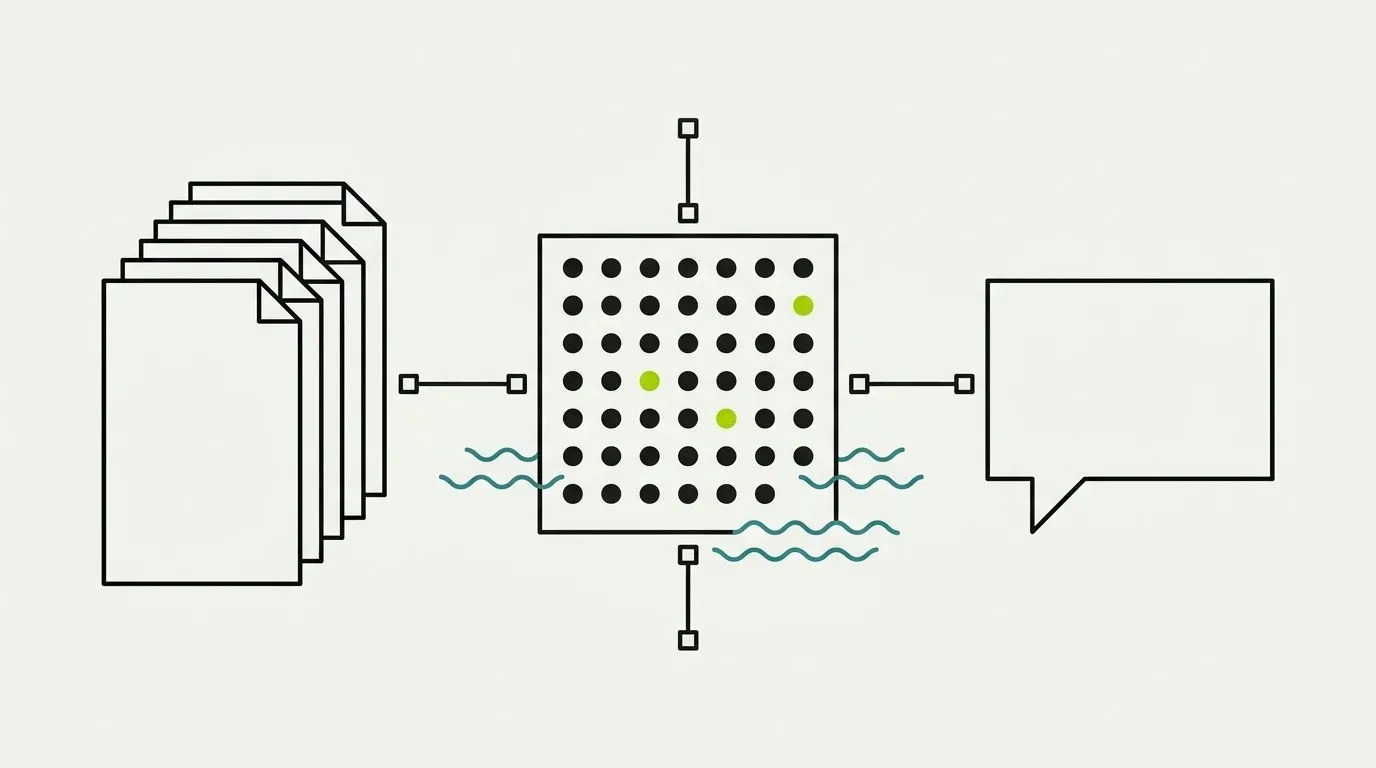
An agent that answers from the model’s general knowledge will, sooner or later, state something false with confidence. We index your SOPs, past tickets, contracts and product data, pull the pieces relevant to each request, and have the model work from those, with the source attached. That is retrieval-augmented generation (RAG). The index lives in your stack, in Postgres with pgvector or in Pinecone.
3. Memory: what it needs to remember, stored on purpose
Some agents need context across steps or across days: what the customer said last week, which correction a reviewer made. We store that in your own database, so it survives a model upgrade and you can inspect it.
4. Guardrails in code
Prompt instructions can be argued with. Code cannot. Hard rules live in code: structured output validated before any downstream system sees it, no actions outside business hours if you say so, limits on amounts, banned actions. If a user tries to talk the agent out of its job, the tool simply is not there.
5. Human approval where the stakes are
Anything that touches money, customer-facing messages or compliance goes through a person: the agent drafts and stages, a human signs off. Below a set confidence, it hands the case to a person with the context written up. Write access is given in steps. Most clients start read-only for the first two weeks, then allow drafts, then internal sends, then external sends.
6. Evaluation: a test set from your real cases
We collect real past inputs with the right outcome for each, and run the agent against them before launch and after every change to a prompt, a tool or the model. That turns “it seems fine” into a pass rate you can read.
7. Monitoring: logs, a daily eval run and alerts
Every action is logged with its input, output, tools called and model used. A daily evaluation run against a frozen set of cases shows when behavior shifts, for example after a provider updates a model. Failure rate, latency and cost per task have alerts. All of it runs in your accounts and is handed over with the agent.
Which model, where it runs, and who sees your data
Model chosen per job
We build against a model interface, so the vendor can change: Claude, GPT, Gemini, or open models such as Llama and Mistral. The choice depends on the task, the cost per call and your data rules. Swapping models is a configuration change plus a rerun of the test set.
API terms that exclude training
By default we use the providers’ API terms, under your own account. Anthropic’s commercial terms say it may not train models on customer content, and OpenAI’s API data policy says API data is not used for training by default. That is different from a staff member pasting data into a consumer chat app.
Self-hosted when confidentiality requires it
For sensitive content, the agent runs on an open-source model on infrastructure you control, served with Ollama or vLLM, so no request leaves your network. The retrieval index and the logs stay in your stack either way.
Access is least-privilege: the agent sees and does only what its job needs, with its own credentials, so you can switch it off without touching anyone else’s access.
On n8n or in custom code
We are a certified n8n Expert Partner and have written custom software since 2016. So we pick per agent, and tell you why.
On n8n
When the agent lives between tools you already use: CRM, helpdesk, inbox, Slack, spreadsheets. n8n has an agent node with tools, memory and vector stores, built on LangChain concepts (see the n8n AI docs), and it gives you retries, error branches and an execution log for every run. It is quicker to build and your team can read it. It runs on your self-hosted n8n or on n8n Cloud.
n8n automation agencyIn custom code
When the agent is part of a product your customers use, needs its own interface, handles high volume with tight latency, or needs orchestration n8n does not express well. We write it in Python or Node with LangChain, LangGraph or LlamaIndex, inside a Laravel application where it needs one, with tests and staged deployment. It is the team that built products like Brainie and Legally.io.
Custom software developmentOne agent, one job, is our default. We split work across several cooperating agents only when one agent cannot hold the task reliably, because every extra agent adds a place to fail and a cost per run. New to n8n? Start with what n8n is.
When we tell you not to build an agent
Agents are the most expensive kind of automation to run and the hardest to test, because the same input can produce a slightly different path. So we use this rule when we scope:
| If the work looks like this | Build this |
|---|---|
| Same input shape every time, thousands of runs, no judgment (invoices, syncs, reminders) | A fixed workflow. An agent adds cost and latency for nothing. |
| Messy input, but the steps after it are always the same (sort the inbox, pull fields from a PDF) | A workflow with one AI step that classifies or extracts. |
| The next step depends on what it finds, across several systems (triage, intake, research) | An agent, with tools, guardrails and approval steps. |
| The process itself is unclear or changes every month | Nothing yet. Fix the process first, then automate it. |
The discovery week can also conclude that nothing in your operation is worth automating right now. That is a valid outcome, the fee does not change, and you keep the map and the costed plan.
From discovery to a live agent
What we build in phase three depends on what we find in phase one.
- Phase 1
Discovery week
We spend a week inside your operations, with the people doing the work, and find where the time and the margin go.
One week - Phase 2
The plan
A map of how your business runs today and a ranked list of what to change first, with the payback on each item. Yours to keep.
End of week one - Phase 3
Build
One agent at a time, one job each. We write its action surface, wire the tools, ground it in your data, add guardrails and approval steps, and test it against your real cases. It runs read-only before it gets write access. Each one is scoped to pay back on its own.
Three to six weeks per project - Phase 4
Improve
The systems run on their own. If you want us to stay, we keep improving them and take on the next process.
Optional
How an agent build runs
- The job and the measure. From the discovery week: which job, what counts as done, and how we will know it worked (time per ticket, leads answered, documents processed).
- The action surface and the test set. The written list of allowed actions and approvals, and a set of real past cases with the right answer for each.
- Build. Tools, retrieval, prompts and guardrails, run against the test set until the pass rate is where we agreed.
- Read-only on live work. The agent runs on real inputs and drafts; your team reviews what it would have done.
- Write access in steps, then handover. Drafts, internal sends, external sends, as you approve. You get the documentation, the test set, the dashboards and the keys.
Work we have shipped with AI in it
 Education, visitor experience 5.0 Clutch rating for quality, schedule and cost
A RAG assistant with the aquarium's knowledge, built for Georgia State University and piloted with real visitors on the floor. Every answer is grounded in the aquarium's own content.
Georgia State University → Financial consulting, fractional CFO 30+ hrs of founder time returned every month
Five n8n modules that read over 100 RSS feeds, score each article per client, and leave a personalized brief in the founder's Gmail drafts by 6am. He reviews and sends.
Contrail Financial →Georgia State University. For a pilot at Georgia Aquarium we built a retrieval assistant that answers visitor questions from the aquarium’s own content, with every answer traced to its source. It is the knowledge half of an agent: it answers, it does not act, which is the right scope for a public bot in a building full of families. Three months from kickoff to pilot, March to May 2026, rated 5.0 on Clutch for quality, schedule and cost. Read the case
Contrail Financial. An n8n pipeline reads over 100 RSS feeds, has GPT score each article per client, writes a personalized brief and leaves it as a Gmail draft by 6am. The founder reviews and sends. That is a workflow with AI steps rather than a free-roaming agent, by design: 30+ hours of founder time back every month. Read the case
“They managed the project professionally, delivered on time, and responded quickly.”
Assistant Professor, Georgia State University · Read the case


Ranked first on AI Agency Radar for 2026. Certified n8n Expert Partner, 5.0 from 7 reviews on n8n’s partner directory. Clutch Champion and Clutch Global, Spring 2024.
What an AI agent costs with us, and how long it takes
Discovery week
$2,000
For 1 to 20 people, one week. $4,000 for 21 to 50 people, up to two weeks. Above 50, a short call first. About six hours of your team’s time. You keep the process map, the costed plan and the proposal whatever you decide.
Each agent build
$6,000 to $24,000
Per agent, three to six weeks, priced before it starts: the number you approve is the number you pay. The range depends on how many systems it touches, how much is built rather than configured, and how fast you need it. Stop after any one.
Running cost and upkeep
Your accounts
Model usage and hosting are billed by the provider to you, at their rates. Keeping us on to improve the agent is optional, quoted once it is live, with the scope agreed then.
What the running cost looks like
Most vendor pages in this market quote hourly rates and minimum project sizes, then say the running cost “depends”. Here is a real one. Contrail Financial’s AI pipeline on n8n Cloud, with GPT-4o-mini scoring and writing, costs $55 to $60 a month to operate at 10 clients, and is projected at roughly $180 to $200 a month at fifty. An agent that makes several model calls per task costs more per run than that pipeline, which is one more reason we only build agents where the judgment is worth paying for. The roadmap from the discovery week puts a cost on every item; ask for the running cost of any agent on it before you approve the build.
Time to a first live agent: one week of discovery, then three to six weeks of build, with the first two weeks live in read-only. Already have a written spec from someone else? We can skip the week and price the build directly in milestones. See pricing for the full terms.
How to choose an AI agent development company
Most of the “top AI agent development companies” lists you will find are written by one of the companies on them, usually ranked first. Use them for names, then test each candidate yourself. These are the questions that separate a team that ships agents from one that ships demos.
Checklist
- Can they show an agent or AI system running for a named client? Not a demo video. Ask what it does today and who checks its work.
- Do they start from your process? A good partner asks how the work is done now, and is willing to say a fixed workflow is enough.
- Can they list what the agent may and may not do? Ask for the action surface and where human approval sits.
- How do they test it? You want a test set built from your real cases, a pass rate, and a rerun after every change.
- How will you know when it goes wrong? Logs per action, alerts, a way to switch an action off, and a plan for when the model provider updates the model.
- Which model terms apply to your data? Whose API account, whether the provider may train on it, and whether they can self-host when needed.
- Who owns it? Code, prompts, test set, index and keys in your accounts. If the agent only runs on their platform, you are renting it.
- What is the price, and the running cost? A fixed price per agent before the build, and an estimate of monthly model and hosting cost.
Red flags
- “Fully autonomous” from day one, with no read-only period.
- Guardrails described as instructions in the prompt.
- One model vendor, with no way to switch.
- Hourly billing with no total, or a price that only appears after a long sales cycle.
- No client you can call.
Dev shop, freelancer, agency or platform
| Software dev shop | Freelancer | Automation agency like us | Agent platform (Copilot Studio, no-code builders) | |
|---|---|---|---|---|
| Best for | Large product builds, teams you want to staff up | One well-defined agent you can spec yourself | Agents inside the operations of a $1M+ business, where picking the job matters as much as building it | Simple internal assistants on one vendor’s stack |
| Who decides what to build | You, in a requirements phase | You | Worked out together in the discovery week, ranked by payback | You |
| How it is priced | Hourly, dedicated team or minimum project size | Hourly or fixed gig | Fixed price per project, before it starts | License per seat or per use, plus your team’s time |
| Who owns it after | Usually you, check the contract | Varies | You: your accounts, no platform in the middle | Lives on the platform |
| Watch for | Long timelines, staff augmentation pitched as a solution | One person holds all the knowledge | We do not sell embedded engineers or staff augmentation | Lock-in, limits on what the agent can reach |
If you are still comparing firms, our roundup of AI automation agencies covers the field, and if you need advice on what to automate before choosing a builder, see AI automation consulting.
Questions people ask first
What does an AI agent development company do?
It designs, builds and runs software agents that use a language model to read inputs, decide the next step and act in your systems through defined tools. A good one also decides where an agent is the wrong tool, and builds the guardrails, approval steps, tests and monitoring that make the agent safe to leave running.
How much does it cost to build a custom AI agent?
With us, each agent is a project priced before it starts: $6,000 to $24,000, depending on how many systems it touches, how much is built rather than configured, and how fast you need it. It starts with the Automation Discovery Week, $2,000 for a team of 1 to 20 people. Model usage and hosting are billed to your own accounts on top, at the provider’s rates.
How long does it take to build an AI agent?
One week of discovery for a team of up to 20 people, then three to six weeks per agent. The agent usually runs read-only for its first two weeks live, so your team checks its work before it is allowed to write anything.
What is the difference between an AI agent and a chatbot?
A chatbot answers messages in a chat window. An agent takes actions: it calls tools, works across several steps and systems, and finishes a task, with human review where the stakes are high. Many useful builds sit in between: a fixed workflow with one AI step that classifies or drafts.
Will our data be used to train the model?
Not on the API terms we default to. Anthropic’s commercial terms say it may not train models on customer content, and OpenAI does not train on API data by default. When confidentiality requires it, we run an open-source model on infrastructure you control instead.
Can the agent write to our CRM or send emails for us?
Yes, if you sanction it, and in steps. Most clients start read-only, then allow drafts, then internal sends, then external sends. Anything that touches money, customer communication or compliance goes through a human approval step, and every write is logged with the input that triggered it.
Do we own the agent?
Yes. The code, prompts, tools, test set and model accounts are yours, in your accounts. It is documented and handed over, and another developer can pick it up. There is no 2V platform in the middle.
Do AI agents replace our team?
No. They take the repetitive, judgment-light part of a job: sorting, looking up, drafting, routing. Your people keep the decisions, the exceptions and the customers who need a person.
Find out which job an agent should take first.
One week inside your operations, $2,000 for a team of 1 to 20. You get a ranked, costed plan that says where an agent pays, where a simple workflow is enough, and where to leave things alone.